How Should You Build Your Website? Custom Code, CMS, Website Builders, or AI?
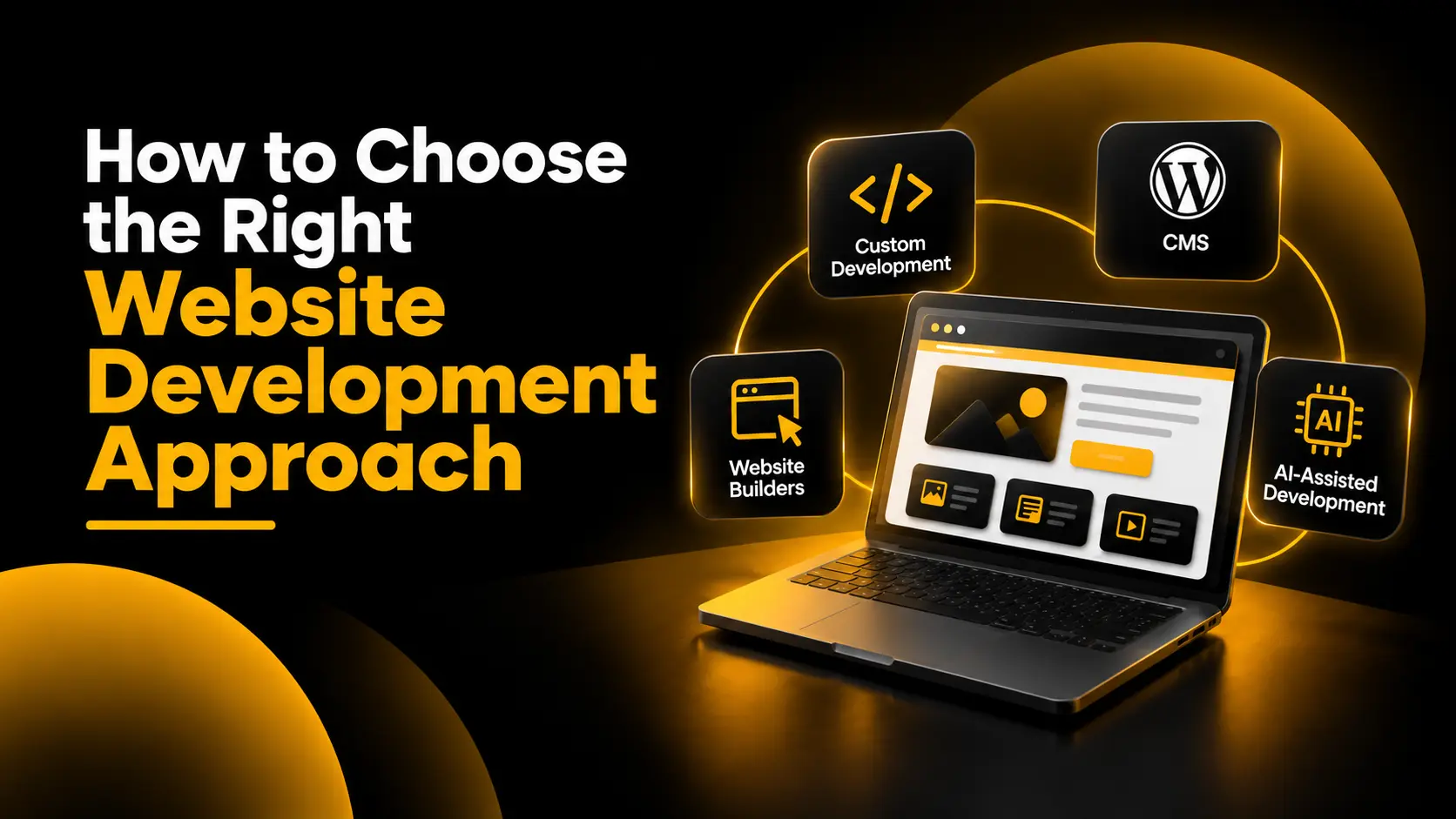
Should you build your website with code, use a CMS, choose a website builder, or let AI help you build it?
There is no single right answer. Each approach has its advantages, limitations, and ideal use cases. The right choice depends on what you are building, the functionality you need, your budget, your resources, and how the website may evolve in the future.
A portfolio website has different requirements from an e-commerce store. A business website focused on generating enquiries is different from a web application with user accounts, dashboards, and complex workflows.
Yet businesses sometimes start with the wrong question: which technology is best?
A better starting point is to understand the project. Once you know what the website needs to achieve, choosing the right development approach becomes much easier.
Start With What You Are Building
Before comparing platforms or programming languages, identify the type of website you actually need.
- Portfolio website: A place to showcase your work, experience, projects, and professional identity.
- Business website: A website that explains your services, establishes credibility, and generates enquiries.
- Blog or content website: A platform for publishing articles, guides, news, and other content regularly.
- E-commerce store: A website for displaying products, managing orders, accepting payments, and handling customer transactions.
- Web application: An interactive product that may require user accounts, databases, dashboards, custom workflows, or other application-specific functionality.
These categories can overlap, but they help define the project's requirements. A business website may include a blog, while an e-commerce store may require customer accounts and custom integrations.
The more clearly you define the purpose of the website, the easier it becomes to evaluate the available technologies.
Four Common Ways to Build a Website
Broadly, there are four approaches to consider: custom development, a content management system (CMS), a website builder, and AI-assisted development.
These options are not always mutually exclusive. A developer can use AI to write custom code, build a website on top of a CMS, or work with features offered by a website builder. The distinction is useful for understanding how the website will be built and maintained.
1. Custom Website Development
Custom development involves building a website or application using code, frameworks, libraries, and other technologies chosen for the project.
Depending on the requirements, a developer might use HTML, CSS, and JavaScript for the front end, along with a suitable back-end language or framework. Examples include PHP, Python, and Next.js. The appropriate stack depends on the architecture and functionality required.
Custom development is useful when standard themes, plugins, and ready-made features cannot adequately support the intended experience.
When Is Custom Development a Good Choice?
- Custom functionality: The project needs features that existing platforms do not provide adequately.
- Greater technical control: The team needs control over the website's architecture and implementation.
- Special user experiences: The interface or user journey needs to be designed around specific requirements.
- Complex integrations: The website must communicate with business systems, APIs, or specialised services.
- Specific performance requirements: The project needs a carefully designed technical solution to meet defined performance goals.
What Are the Trade-Offs?
Custom development provides flexibility, but that flexibility comes with responsibility.
The project may require more development time, technical expertise, testing, documentation, and ongoing maintenance than a simpler website. Security updates, hosting, backups, monitoring, and future improvements also need to be planned.
Building every feature from scratch is not automatically better. If a standard platform can meet the requirements reliably, custom development may add unnecessary cost and complexity.
Choose this approach when the project's requirements justify the additional control and responsibility.
2. Content Management Systems (CMS)
A content management system allows you to create, organise, edit, and publish website content without manually coding every page.
WordPress is a well-known example. It offers themes, plugins, and editing tools that can support blogs, business websites, portfolios, and many other types of websites. Developers can also customise WordPress when the project requires additional functionality.
For example, a service business that publishes articles, creates service pages, and updates its portfolio regularly may benefit from a CMS because its team can manage content without depending on a developer for every change.
When Is a CMS a Good Choice?
- Regular content updates: The website needs new articles, pages, projects, or announcements.
- Content-heavy websites: The site has a growing library of pages or resources.
- Flexible expansion: Plugins, extensions, or custom development may be needed as requirements grow.
- Content ownership and control: The business wants a structured way to manage its website content.
What About E-Commerce?
A CMS can also form the foundation of an online store. For example, WooCommerce adds e-commerce capabilities to WordPress, including product management and online selling functionality.
For larger or more complex commerce requirements, Adobe Commerce, which builds on the Magento platform, is another option to evaluate.
These platforms have different technical and operational requirements, so the choice should depend on the store's product catalogue, integrations, customisation needs, budget, and maintenance capacity.
What Are the Trade-Offs?
A CMS does not eliminate technical responsibilities. Depending on the platform and hosting arrangement, you may need to manage updates, plugin compatibility, security, backups, performance, and maintenance.
Installing more plugins does not automatically make a website better. Each additional component should solve a genuine problem and be maintained appropriately.
A CMS works well when you need a balance of content management, flexibility, and extensibility without developing every feature from scratch.
3. Website Builders
Website builders provide visual tools, templates, and pre-built functionality that simplify website creation. Many combine design, hosting, publishing, and site management in a single service.
They are often suitable for projects where launching efficiently and simplifying ongoing management are more important than having complete control over the underlying technology.
Several platforms are worth exploring:
- Wix: A website creation platform with visual editing, templates, and business features for different types of websites.
- Squarespace: A website platform that offers templates and tools for portfolios, service businesses, content, and online stores.
- Framer: A visual website-building platform suited to design-focused websites, marketing pages, and CMS-driven content.
- Webflow: A visual development platform that offers design control, content management, and website publishing features.
- Shopify: An e-commerce-focused platform for building and managing online stores, products, orders, and selling operations.
These platforms are not identical, and the best choice depends on the website's purpose. A portfolio website, a service business website, and an online store may require different features.
When Is a Website Builder a Good Choice?
- Speed: You need to get a website online without building every component from scratch.
- Simpler management: You want a visual editing experience for routine changes.
- Lower technical overhead: You prefer not to manage every layer of the hosting and development stack yourself.
- Standard requirements: Your project fits the platform's existing capabilities and integrations.
What Are the Trade-Offs?
A faster build does not mean unlimited flexibility.
You may encounter restrictions in design, functionality, integrations, or platform-level customisation. Subscription costs, app fees, usage limits, and migration requirements can also affect the long-term decision.
Moving to another platform later may require rebuilding parts of the website or transferring content and data. The ease of migration depends on the platform and the features you use.
Website builders can be an excellent choice when their capabilities match the project. The important step is to understand those capabilities before committing.
4. AI-Assisted Website Development
AI has introduced another way to approach website development. It can help generate interfaces, write code, explain errors, create prototypes, and speed up repetitive development tasks.
However, AI-assisted development is not necessarily a replacement for custom development, a CMS, or a website builder. It can be used alongside these approaches, depending on the tools and workflow.
Examples of tools in this space include:
- Lovable: An AI-powered platform for creating applications from natural-language descriptions and refining them through iteration.
- Cursor: An AI-focused code editor that helps developers work with existing code and make changes using natural-language instructions.
- OpenAI Codex: A coding agent designed to assist with software engineering tasks, including writing, modifying, and reviewing code.
- Google Antigravity: An agentic development platform designed to support software development workflows.
Where Can AI Help?
- Generate an initial prototype to explore an idea.
- Create draft page layouts and interface components.
- Speed up coding and repetitive implementation tasks.
- Help investigate errors and suggest possible solutions.
- Support faster iteration when requirements change.
What Should You Be Careful About?
A website that looks functional in a preview is not necessarily ready for production.
Generated code and AI-created applications still need appropriate review, testing, and verification. Depending on the project, that may include checking authentication, authorisation, data handling, accessibility, responsiveness, performance, security, integrations, and error handling.
You also need to consider how the website will be maintained when the initial development is complete. Someone must be able to understand the implementation, correct problems, manage changes, and take responsibility for the finished product.
AI can speed up development, but it does not remove the need to understand what you are building or why you are building it.
Which Approach Should You Choose?
Instead of declaring one approach the winner, match the option to the project's actual requirements.
- Choose custom development when you need specialised functionality, deeper technical control, or an experience that standard platforms cannot adequately support.
- Choose a CMS when content management, extensibility, and regular publishing are important. WordPress is one option to evaluate for this purpose.
- Choose a website builder when the project fits the platform's capabilities and you prioritise visual editing, faster implementation, and simpler management.
- Use AI-assisted development when it can improve your workflow, accelerate prototyping, or help implement features. Decide how the final product will be tested, secured, and maintained.
These choices can also be combined. A developer might build a custom website using AI-assisted coding, create a WordPress website with custom features, or use a commerce platform with a tailored front end.
The right solution is the one that meets your requirements without introducing unnecessary complexity.
Consider These Factors Before You Decide
1. Business Requirements
Write down what the website must accomplish. Is it intended to generate leads, showcase work, publish content, sell products, or provide a digital service?
Separate essential features from optional ones. A clear list of requirements helps prevent choosing an unnecessarily complex solution.
2. User Needs
Think about what visitors need to understand and do on the website. Consider how they will find information, navigate between pages, complete tasks, and access the site on different devices.
The technology should support a useful experience for your audience rather than dictate the entire experience.
3. Project Complexity
A simple business website may not need a custom application architecture. A web application with complex permissions, workflows, and integrations may need a different approach.
Evaluate the complexity of the required functionality, the information the website needs to manage, and the ways its components must communicate.
4. Budget and Resources
Look beyond the initial development cost. Consider subscriptions, hosting, themes, extensions, third-party services, maintenance, security, and future improvements.
Also consider who will manage the website after launch. A solution that is affordable to build may be costly to operate if your team lacks the resources to maintain it.
5. Future Growth
Think about how the website may change over the next few years. Will you add new services, publish more content, expand your product catalogue, connect business systems, or introduce new features?
You do not need to build every possible future feature now. However, you should understand whether your chosen approach can support likely changes and what a future migration would involve.
6. Marketing and Measurement
Your website may also need to support search engine optimisation, analytics, campaign tracking, landing pages, lead generation, or e-commerce reporting.
Decide which capabilities are essential and make sure the chosen solution can implement them appropriately. A technically impressive website is not useful to the business if it cannot support the actions and outcomes the business needs.
For a broader perspective on how these decisions fit into the customer experience, read Why Your Website Matters in Digital Marketing.
Don't Choose the Tool First
It is easy to become distracted by technology comparisons. One platform may offer a convenient visual editor, another may offer more customisation, and another may promise to generate a website quickly with AI.
But a feature list alone cannot tell you which option is right for your project.
Start by answering these questions:
- What is the main purpose of the website?
- Who will use it, and what do those users need to accomplish?
- Which features are essential at launch?
- Who will manage the content and technical maintenance?
- What budget and resources are available?
- Which integrations, performance requirements, or security considerations matter?
- How might the project evolve, and how easy will it be to maintain or migrate?
These answers give you a practical framework for evaluating the alternatives.
They also connect website development with a wider principle: digital marketing should be approached as a strategy, not just a collection of channels. The website technology should support your business and marketing objectives, rather than become the objective itself.
Conclusion: The Best Platform Is the One That Fits the Problem
Custom development, CMS platforms, website builders, and AI-assisted development all have a place in modern website creation. None is automatically the right choice for every project.
Custom development can offer greater technical control, a CMS can simplify content management, a website builder can reduce the work involved in launching and managing a site, and AI can accelerate parts of the development process.
Each approach also brings trade-offs. The right decision requires understanding the project's needs, the available resources, the ongoing maintenance responsibilities, and the likely direction of future growth.
Do not choose a platform simply because it is popular, powerful, or new. Choose it because it fits the problem you are trying to solve.
Need Help Building the Right Website?
If you are planning a new website, an e-commerce store, or a redesign, the first step is to identify the right approach for your business goals and requirements.
Explore my website development services in Kerala to learn more about building a website around your business needs.